About IPYNB Tools
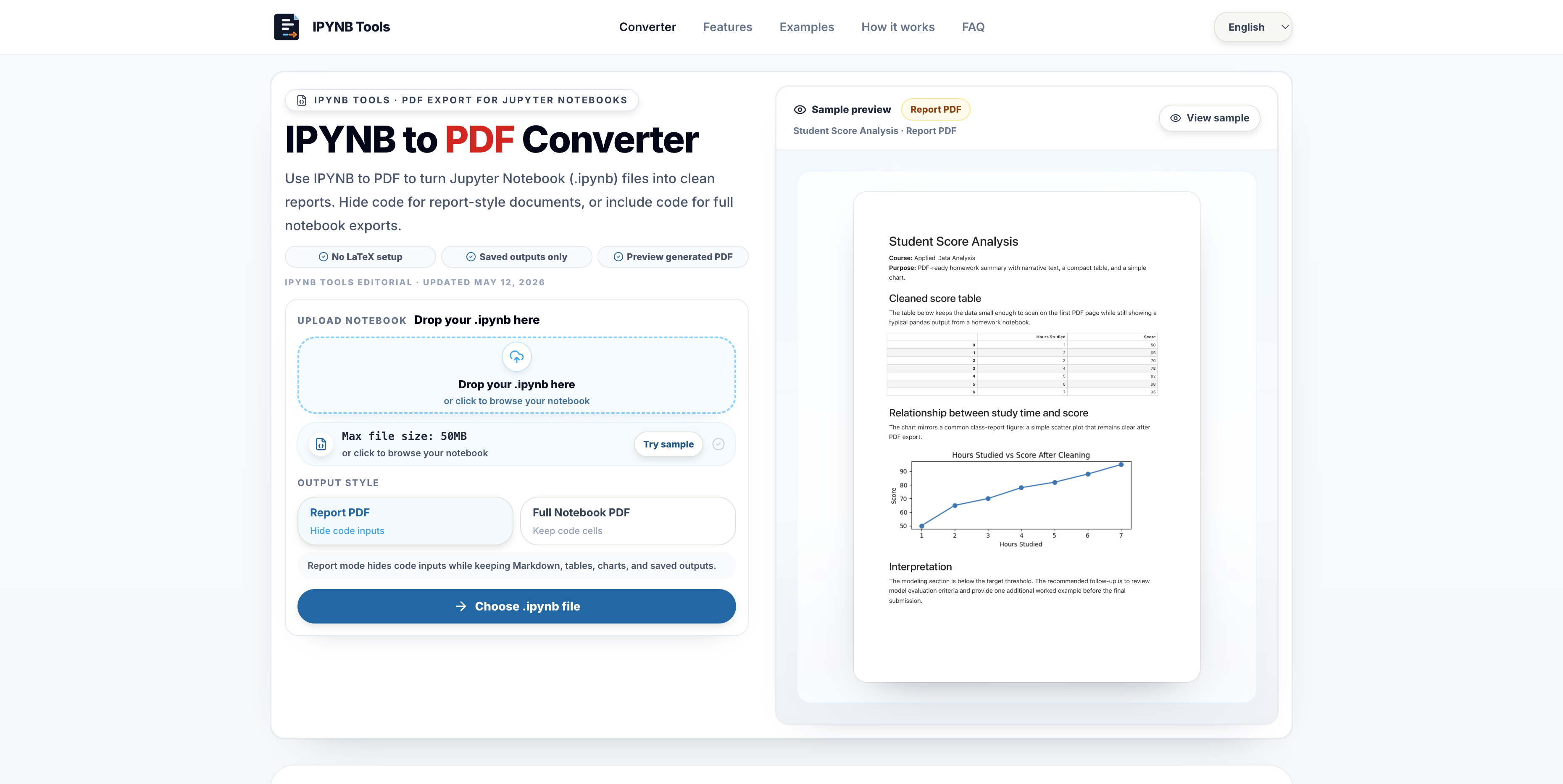
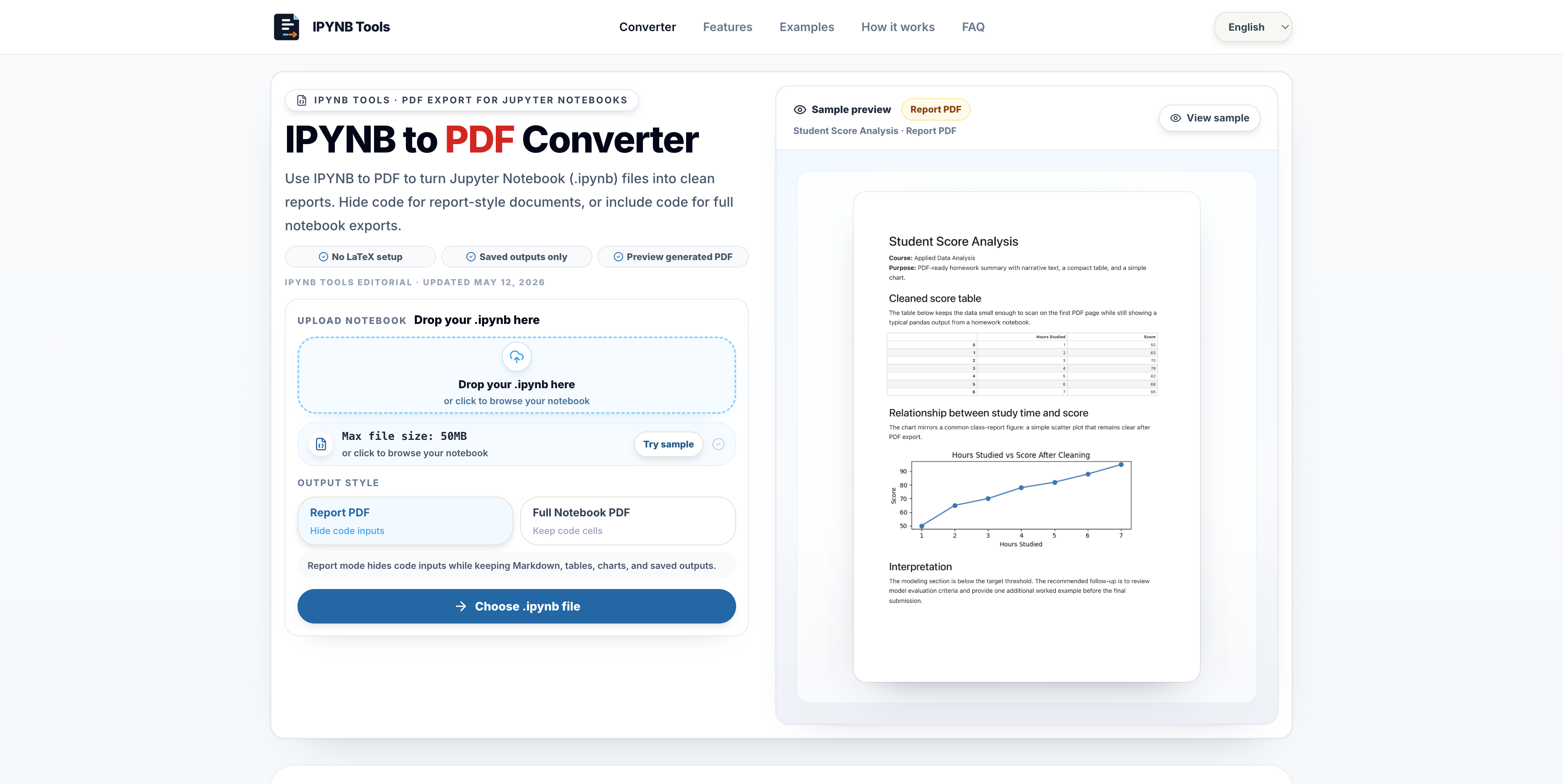
IPYNB Tools is a browser-based converter for saved Jupyter Notebook files. It helps students, teachers, data analysts, researchers, and developers turn an `.ipynb` notebook into a readable PDF without setting up local LaTeX, nbconvert, browser print styles, or a Python environment just for exporting. The core workflow is straightforward: upload a notebook file, preview the rendered result, choose the export style, and download a PDF that is easier to share with classmates, clients, managers, or reviewers.
The product is useful because notebooks often contain a mix of code, markdown explanations, charts, tables, and long outputs. A raw notebook is great for exploration, but it is not always the best handoff format. IPYNB Tools supports a clean report-style export for readers who only need the explanation and outputs, as well as a fuller notebook-style export when code review matters. That makes it practical for assignments, data reports, experiment summaries, teaching notes, and one-off research artifacts.
It is meant for lightweight, repeatable exporting rather than complex publishing pipelines, so a notebook can become a shareable PDF in a few minutes.Everything runs in the browser, so users can test the conversion quickly without installing desktop software or debugging missing dependencies. The site also includes supporting guides for common notebook export questions, including how to convert IPYNB files to PDF, how notebook files differ from Python scripts, and when HTML or Python exports make more sense. The goal is to make notebook sharing less brittle and more predictable, especially for people who only need a clean PDF deliverable.

No reviews yet — be the first!
Discussion
Join the conversation
Sign in or create a free account to leave a comment.
Analytics
Unique visitor trends for IPYNB Tools
No comments yet. Be the first to share your thoughts!