
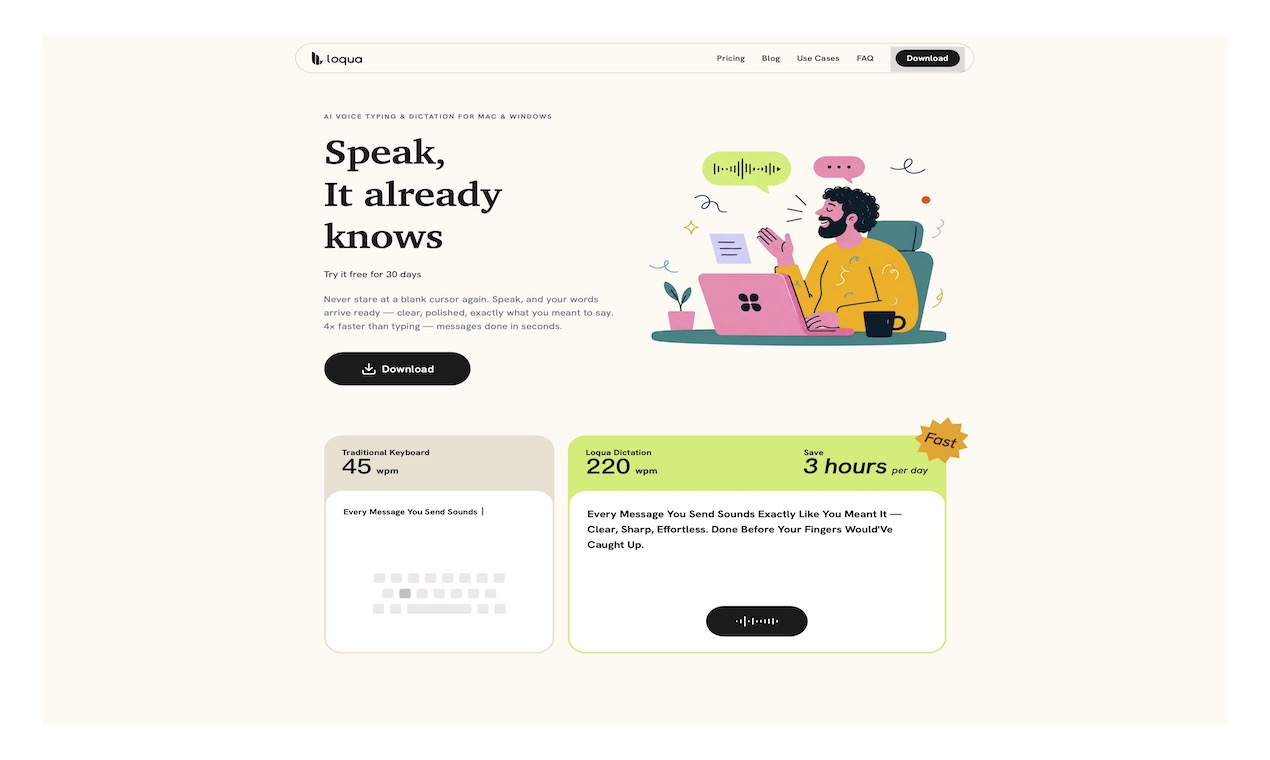
Loqua helps you write faster by turning your voice into clean, structured text anywhere you work. It goes beyond traditional dictation by removing filler words, fixing mistakes, completing missing words, and organizing your thoughts automatically. You can also translate, edit text with voice commands, ask AI questions, and use screenshot AI to understand and work with content on your screen.
Smart Transcription – Converts speech into structured text by removing filler words, repetitions, and self-corrections, completing missing words, and automatically formatting lists and ideas.
AI Translation – Provides natural, polished translations with smooth multilingual switching and seamless code-switching between languages.
Instant AI Q&A – Use a shortcut to activate AI conversations anywhere without opening external apps. Ask questions by voice, get real-time answers, and copy results instantly.
AI Text Editing – Select any text and use voice commands to rewrite, expand, translate, change tone, answer questions, or edit content. Supports code-related workflows and technical terminology.
Screenshot AI Assistant – Capture any screen content, give voice instructions, and let AI analyze images, answer questions, or generate content. Supports multi-turn interaction with selected text.
Personalized Learning – History records keep your AI interactions accessible, while the personal dictionary learns your vocabulary, professional terms, and unique names to improve accuracy over time.
No comments yet. Be the first to share your thoughts!