About Remove Text from Image
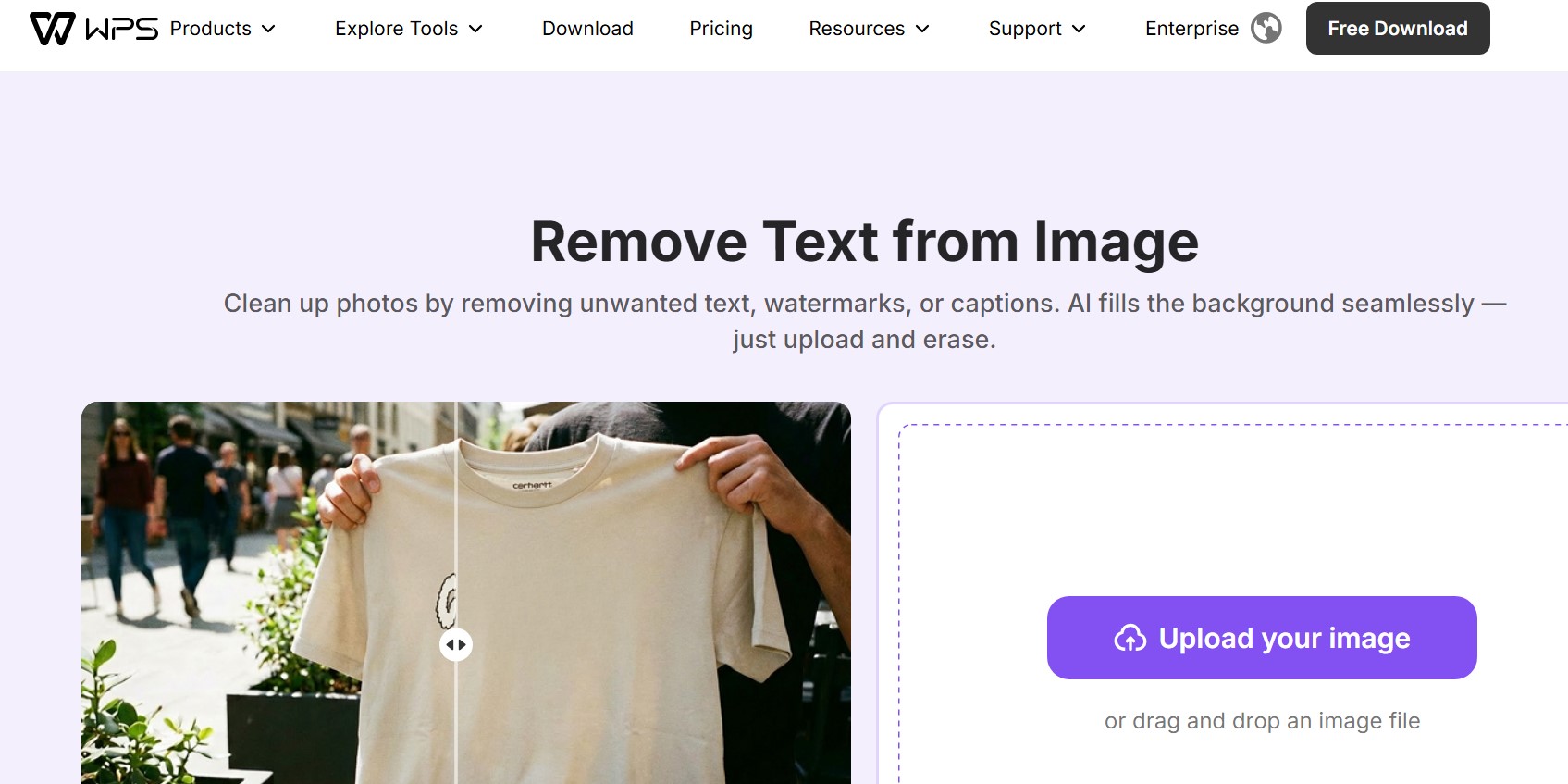
Remove unwanted text, watermarks, captions, labels, and handwritten notes from images quickly with this free online tool. The remove text from image tool helps clean photos, screenshots, and graphics while preserving the original background for a smooth and natural result. WPS highlights one-click removal by painting over unwanted text and letting AI erase it instantly. This tool works exceptionally well for removing watermarks, text overlays, logos, notes, and unnecessary words from images without requiring advanced editing software or technical expertise.
Who Can Benefit from This Tool?
The removal capability is specifically helpful for content creators, designers, students, and business users who need to repurpose visual materials. In professional and academic settings, having clean visuals without distracting watermarks, labels, or notes is critical for clear communication.
Instead of spending hours in complex photo editing software, you can use this simple yet powerful web application to delete text from image files directly through your browser. The intelligent algorithm detects the text area and applies advanced background-filling techniques so the final output appears entirely natural and seamless.
How to Remove Text from an Image in Three Simple Steps
You do not need to download or install heavy software to get professional results. The entire editing process takes less than a minute and is broken down into three intuitive steps:
Step 1: Upload your image
Upload your source file containing the text or watermark from your local device. The interface accepts multiple formats to ensure maximum convenience.
Step 2: Select the text area to remove
Highlight or brush over the specific text, label, or unwanted caption you wish to erase from your image.
Step 3: Download your clean image
Download your clean, professional-looking image directly to your device.
By using this text remover from image utility, you ensure that the image quality and important background details remain completely intact. It is the fastest, safest, and most convenient way to remove words from pictures and clean up graphics for your personal or professional projects.
No reviews yet — be the first!
Discussion
Join the conversation
Sign in or create a free account to leave a comment.
Analytics
Unique visitor trends for Remove Text from Image
No comments yet. Be the first to share your thoughts!