About HEIC to JPG
Convert HEIC images to JPG format for better compatibility across devices, platforms, and applications. HEIC (High Efficiency Image Coding) files are commonly used by iPhones and newer Apple devices because they provide excellent image quality while keeping file sizes relatively small. This makes them efficient for storage, but they can create problems when you try to open or share them on non-Apple devices. Many Windows PCs, Android smartphones, and even some websites or editing tools do not fully support HEIC files, which can limit how you use your images.
Converting HEIC files to JPG solves this issue by transforming them into a universally supported format. JPG is widely recognized and works seamlessly across almost all devices, operating systems, browsers, and applications. Whether you want to upload images to social media, attach them to emails, edit them in software, or simply view them without compatibility errors, JPG ensures a smooth experience.
This HEIC to JPG converter is built to be fast, reliable, and easy to use. You don’t need to download or install any software, and no technical knowledge is required. The entire conversion process happens online in just a few simple steps, saving you time while preserving image quality as much as possible.
How to Convert HEIC to JPG
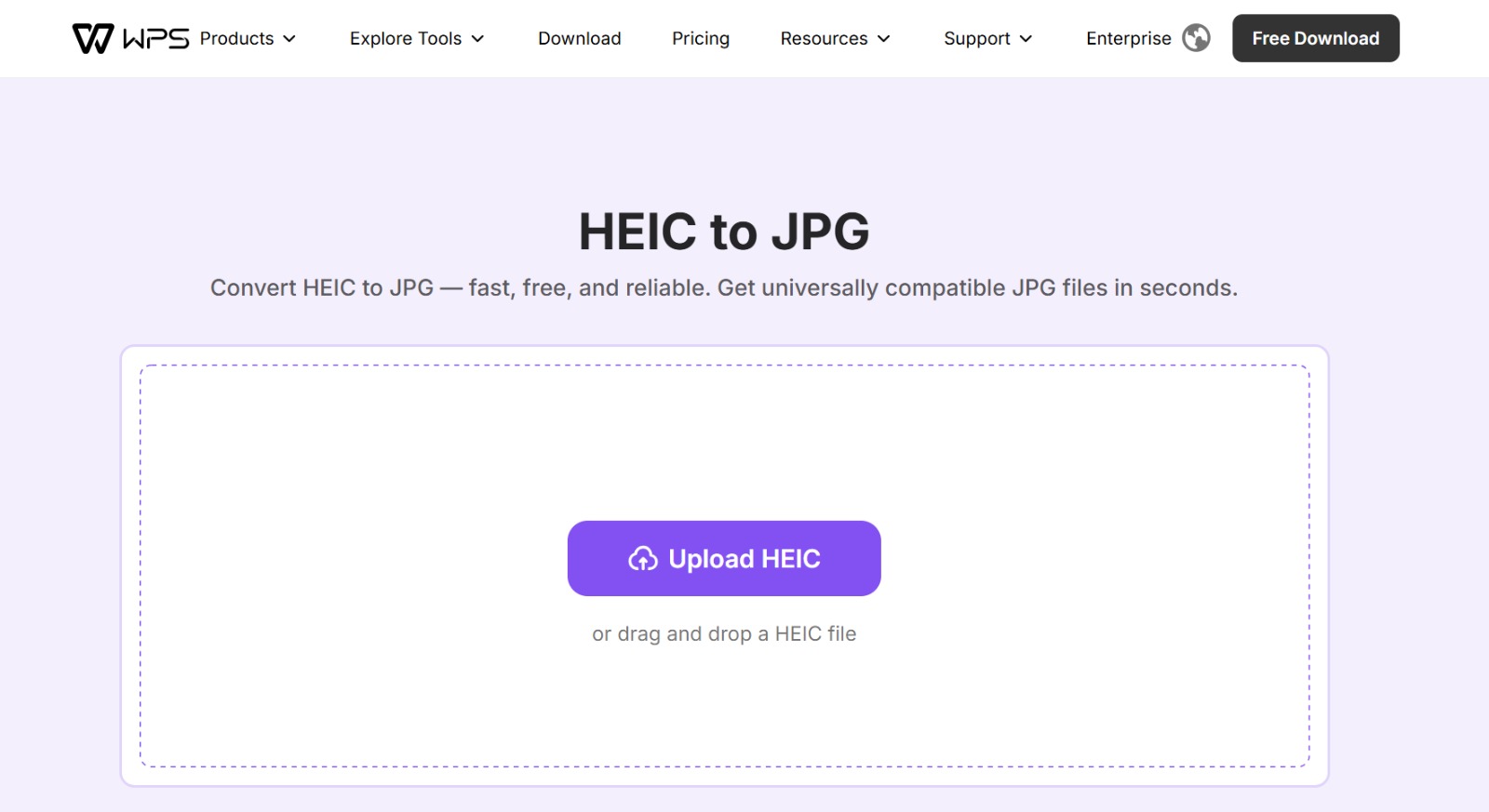
Step 1: Upload your HEIC file
Select your HEIC image from your device or drag and drop it into the upload area. The tool supports quick and easy file selection.
Step 2: Convert HEIC to JPG
After uploading, the converter automatically processes your image and transforms it into JPG format within seconds, maintaining good clarity and color balance.
Step 3: Download your JPG file
Once the conversion is complete, download your JPG image instantly. You can now use it freely for editing, sharing, uploading, printing, or storing on any device without worrying about compatibility issues.
No reviews yet — be the first!
Discussion
Join the conversation
Sign in or create a free account to leave a comment.
Analytics
Unique visitor trends for HEIC to JPG
No comments yet. Be the first to share your thoughts!