
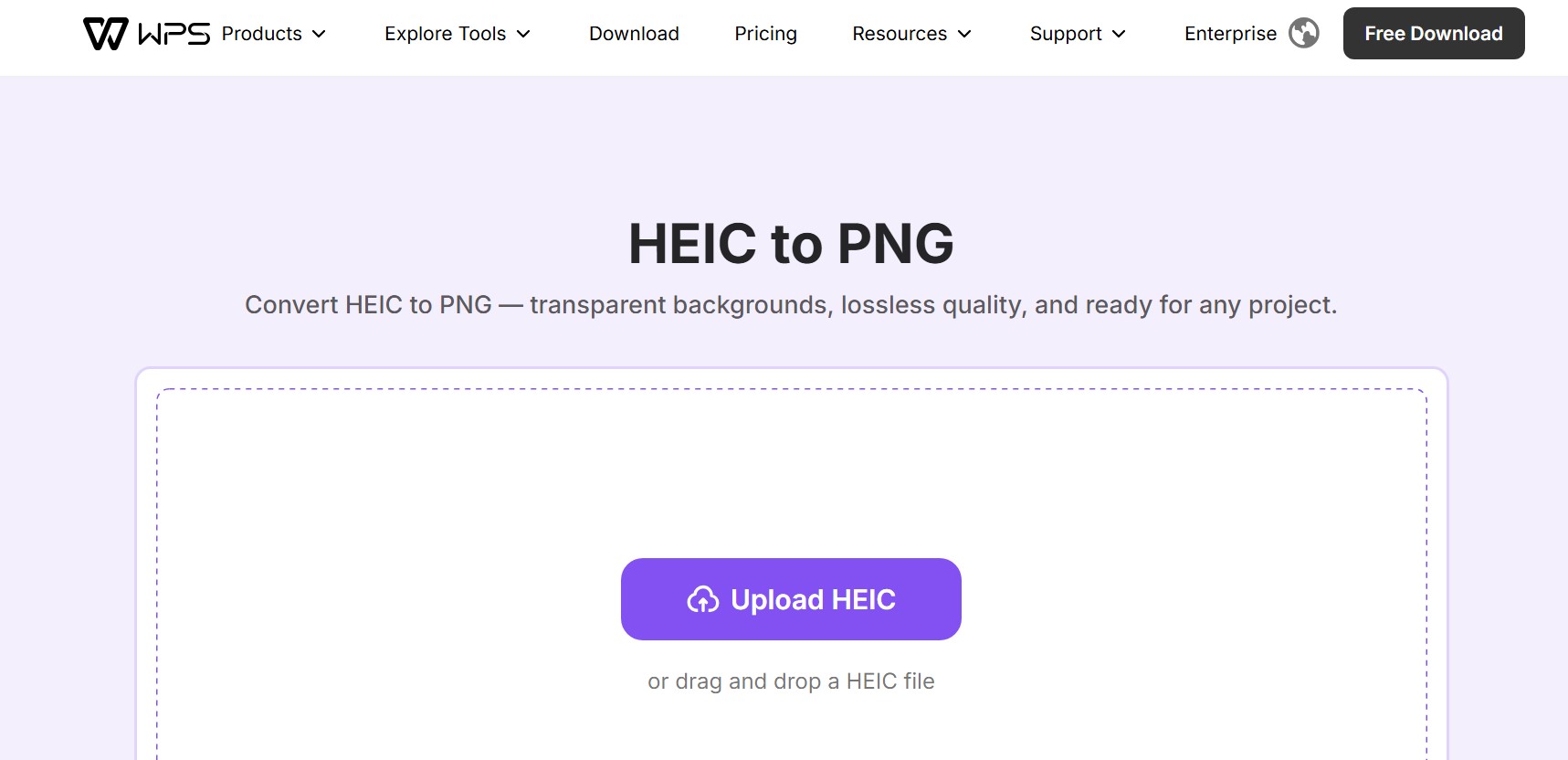
HEIC to PNG

Convert HEIC to PNG – Online Image Converter

1 vote 67 views Apr 23, 2026 Aliha Eder

About HEIC to PNG

Converting HEIC images to PNG format is an effective way to ensure better compatibility, improved flexibility, and high-quality visual results across a wide range of devices and platforms. HEIC (High Efficiency Image Container) is a modern image format widely used by Apple devices, particularly iPhones and iPads, because it offers excellent compression while preserving image quality. Although HEIC is efficient for storage, it is not universally supported by all operating systems, browsers, and applications. This can create issues when sharing or opening files on non-Apple devices or older software. By converting HEIC images into PNG format, you can eliminate these compatibility concerns and ensure your images are accessible everywhere.

PNG (Portable Network Graphics) is one of the most reliable and widely supported image formats available today. It is known for its lossless compression, meaning image quality is preserved without degradation. Additionally, PNG supports transparency, making it an ideal choice for graphics, logos, and images that require a transparent background. Converting HEIC photos to PNG allows you to retain high visual quality while gaining the flexibility to use your images across websites, design tools, presentations, and more.

This HEIC-to-PNG conversion tool is designed to be simple, fast, and user-friendly. There is no need to install any software or deal with complicated settings. You can complete the entire process online in just a few seconds. First, upload or select your HEIC image file. Next, start the conversion process with a single click. The tool will quickly process your file and convert it into a high-quality PNG image. Once the conversion is complete, you can instantly download your PNG file and use it wherever you need.

Whether you are a designer, photographer, student, or casual user, converting HEIC images to PNG provides a convenient solution for improving compatibility and usability. It ensures your images maintain their original quality while becoming easier to share, edit, and display across all platforms.

HEIC to PNG in Three Simple Steps

Step 1: Upload your HEIC image
Step 2: Click convert
Step 3: Download your PNG file instantly

No reviews yet
5
0
4
0
3
0
2
0
1
0

Enjoyed HEIC to PNG?

Share your experience with the community.

Write a Review

No reviews yet — be the first!

Discussion

Join the conversation

Sign in or create a free account to leave a comment.

💬

No comments yet. Be the first to share your thoughts!

Analytics

Unique visitor trends for HEIC to PNG

67
Total Views
This month
Avg Rating
0
Discussions
Loading…