
About PDF Dark Mode
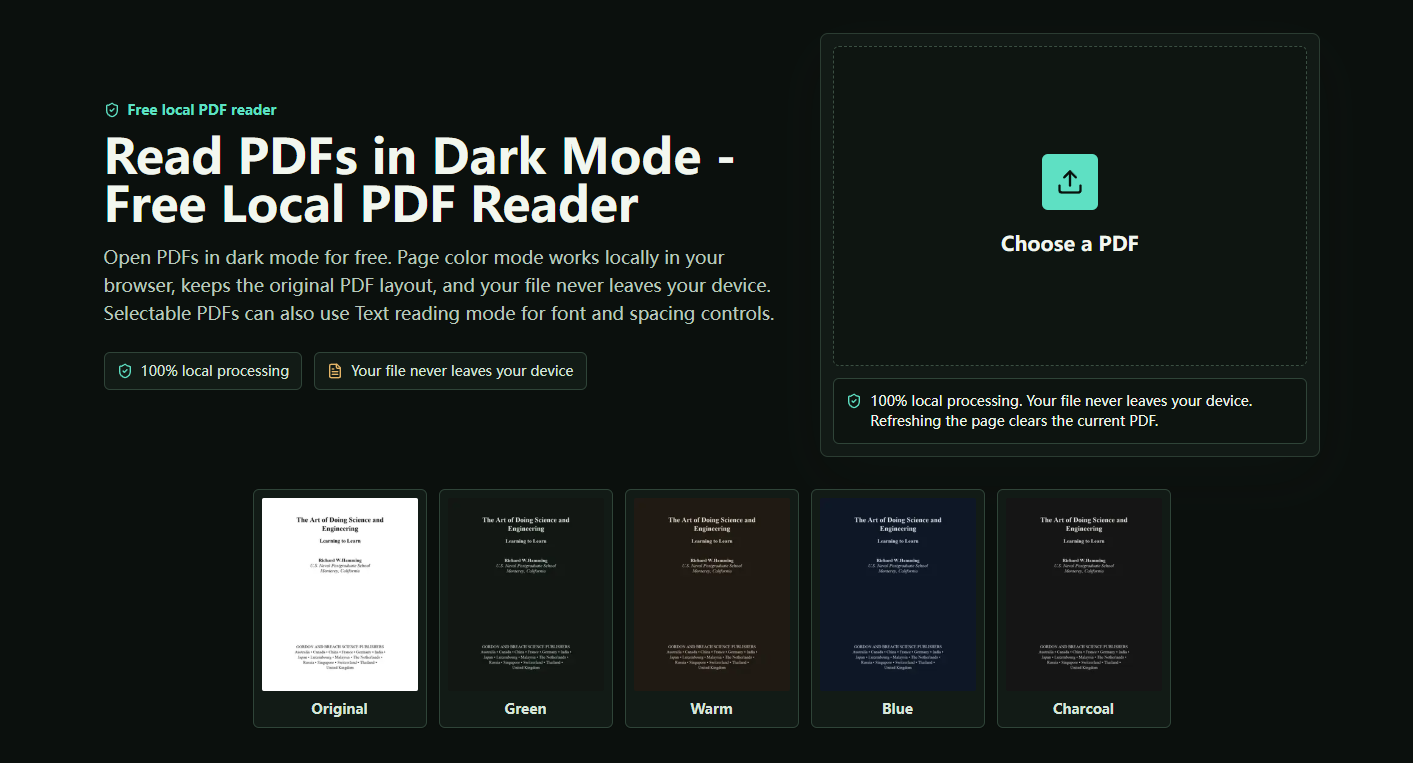
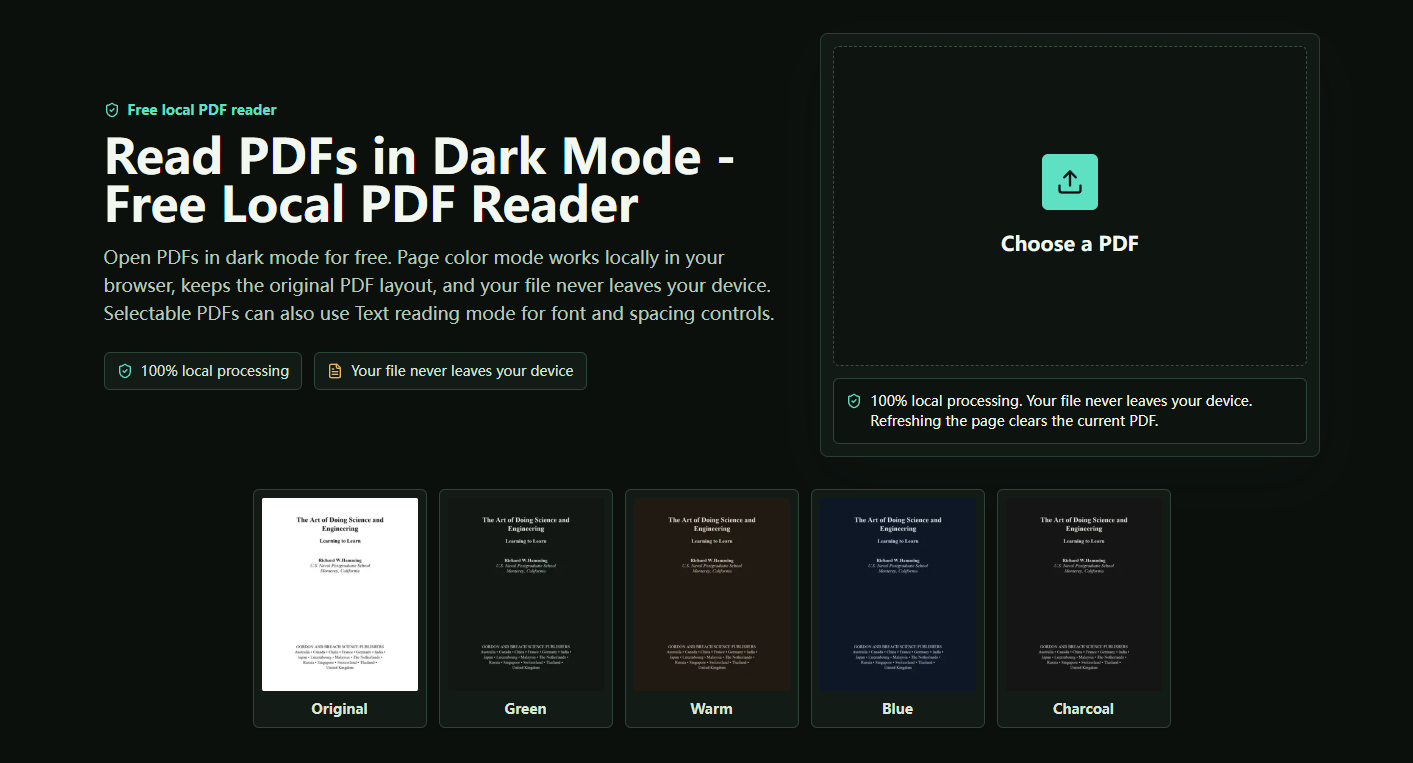
PDF Dark Mode Reader is a free, browser-based tool that lets you open and read PDF files in dark mode — no installation, no account, and no file uploads required.
Unlike many online PDF tools, PDF Dark Mode Reader processes everything locally in your browser. Your file never leaves your device, making it a fully private reading experience. Simply close or refresh the tab, and the session is cleared instantly.
The tool offers two core reading modes. Page Color Mode is the default — it renders the original PDF layout with a dark background, making it ideal for scanned PDFs, image-heavy documents, tables, and OCR files that need to preserve their original formatting. Text Reading Mode is available for selectable PDFs, offering additional controls such as font size, line height, and font family adjustments for a more comfortable reading experience.
To personalize the reading environment, users can choose from four dark color themes — Green, Warm, Blue, and Charcoal — to match their screen settings, ambient lighting, or personal preference.
The reader is designed to handle a wide range of PDF types, including large multi-page documents. It uses an efficient page-rendering approach that loads the current and nearby pages as you scroll, keeping performance smooth even for lengthy files.
PDF Dark Mode Reader is fully responsive, working seamlessly on desktops, tablets, and mobile phones without any additional setup.
In summary, it's a straightforward, privacy-first PDF reader for anyone who wants a more comfortable dark reading experience — whether studying late at night, reducing eye strain, or simply preferring a darker interface.
No reviews yet — be the first!
Discussion
Join the conversation
Sign in or create a free account to leave a comment.
Analytics
Unique visitor trends for PDF Dark Mode
No comments yet. Be the first to share your thoughts!