


About Unblurry
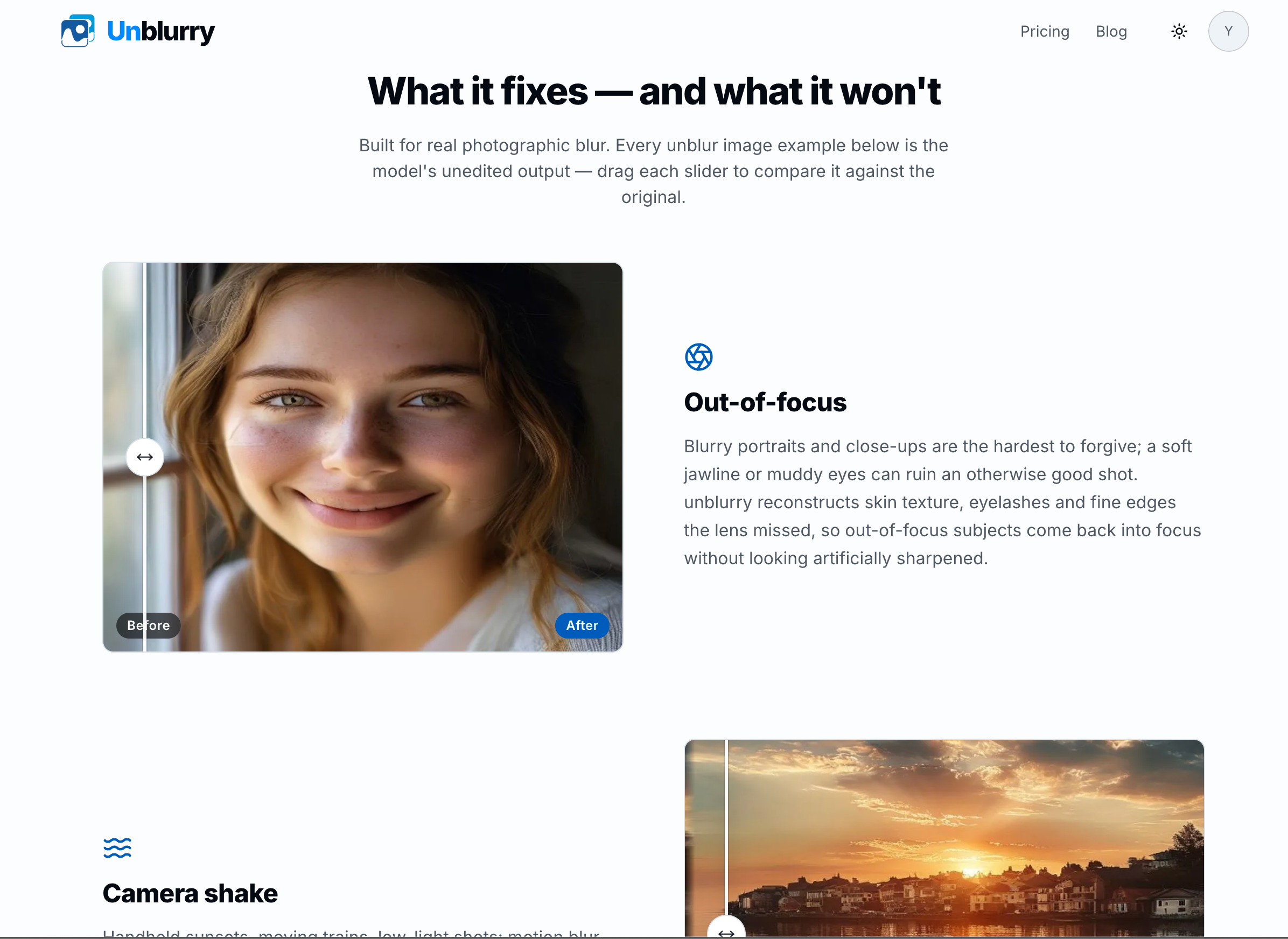
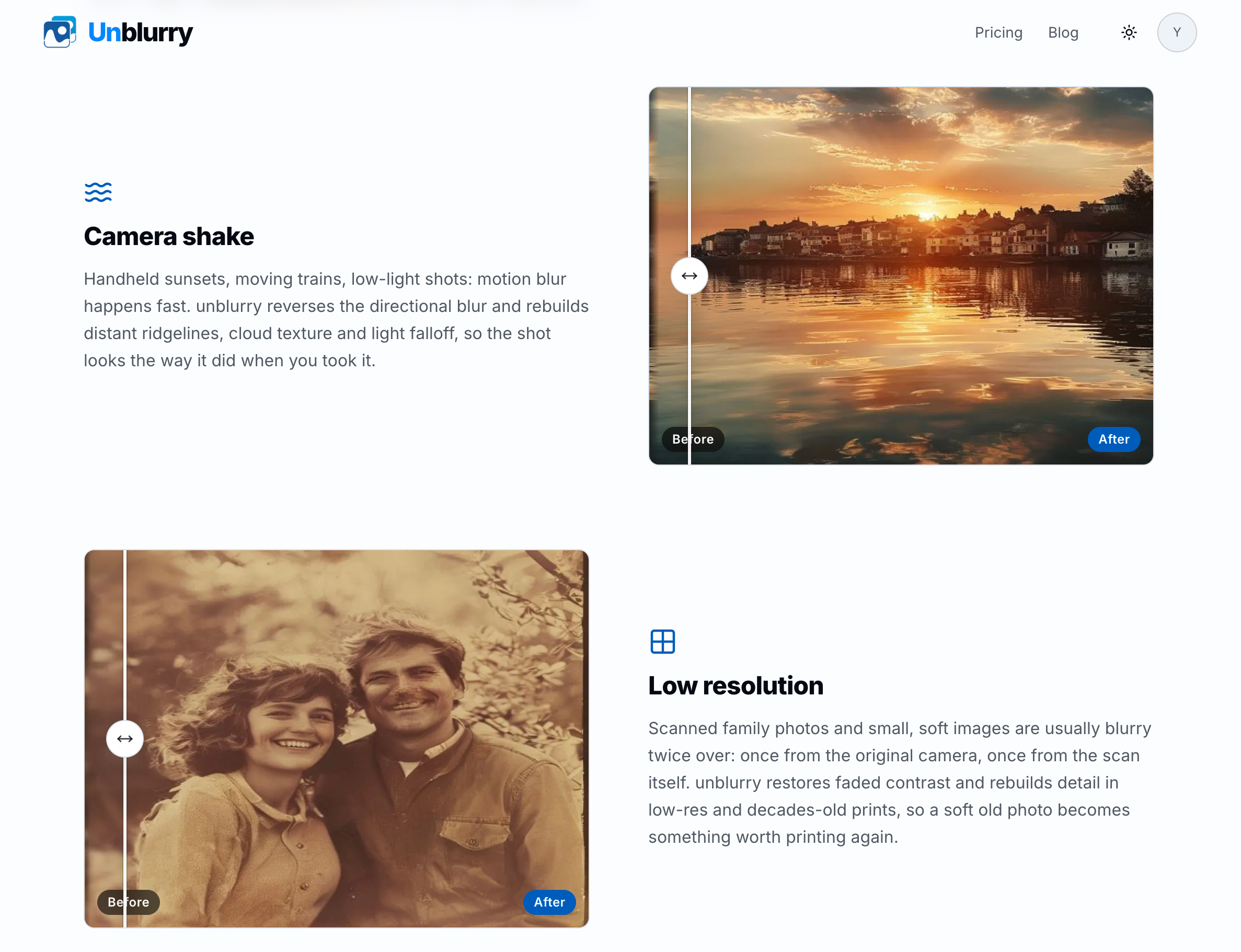
Unblurry is an AI-assisted online photo enhancement tool that helps turn soft, shaky, and low-resolution photographs into clearer images. It is designed for real photographic blur, including out-of-focus shots, camera shake, motion blur, compression softness, and old scanned photos that have lost visible detail over time.
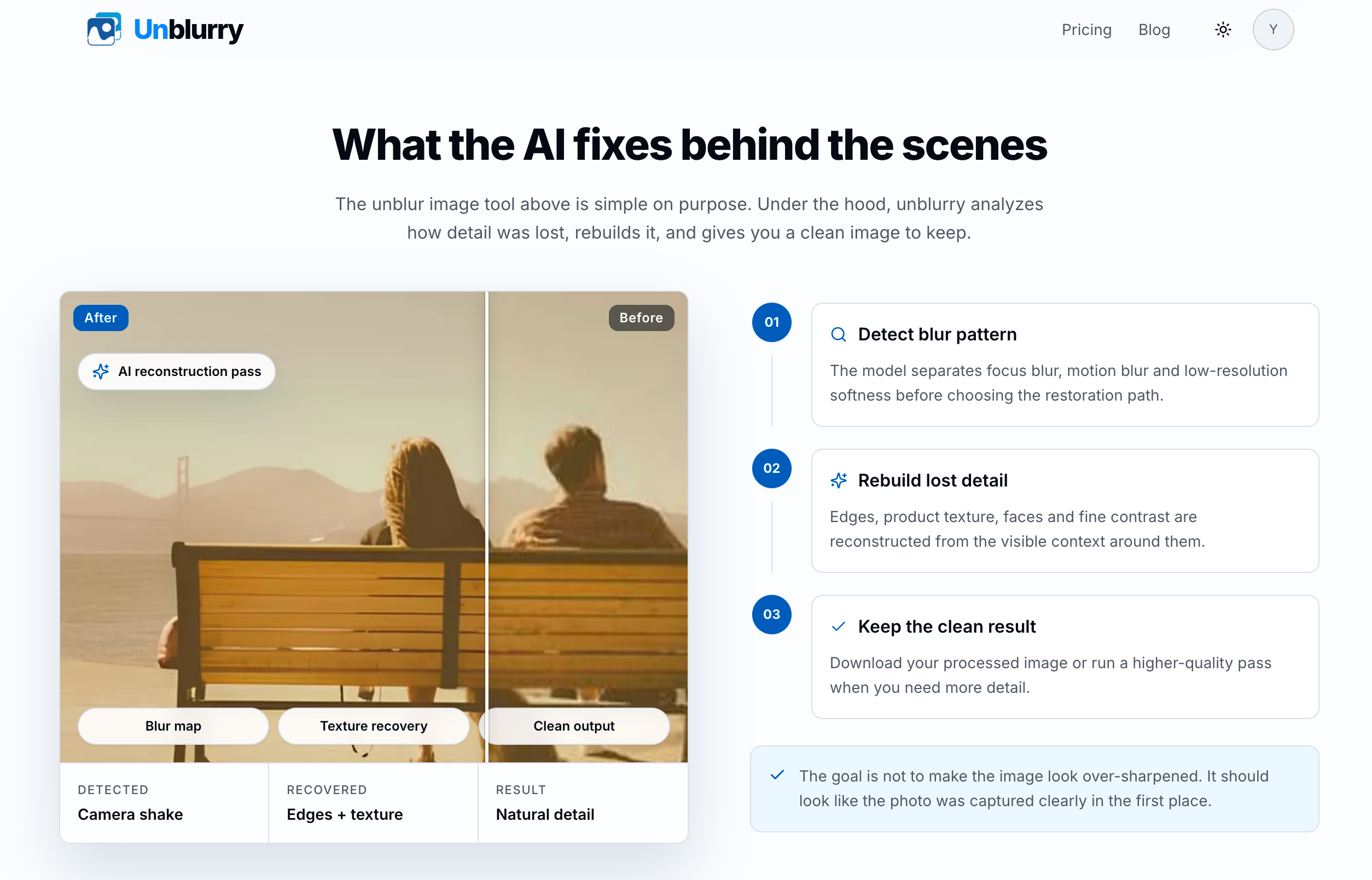
The workflow is simple. Upload a JPG, PNG, or WEBP image up to 25 MB, choose a quality option, compare the original with the processed result, and download the enhanced image directly from your browser. There is no complicated editing interface or manual sharpening workflow to learn. Unblurry analyzes the type of blur in the photo and rebuilds visible edges, texture, contrast, and detail with the goal of producing a natural-looking result rather than an over-sharpened one.
Unblurry is useful for photographers trying to recover keepers from an imperfect shoot, online sellers improving product photos before publishing listings, families restoring old prints, and creators preparing travel or social-media images. Before-and-after comparisons make it easy to review whether the result is useful before keeping it.
Users can start with Standard quality for free without creating an account. HD and Ultra HD options are available when a photo needs additional processing and finer detail. Advanced processing uses straightforward one-time credit packs, with no subscription or auto-renewal required.
Unblurry is built for photos, not OCR or document recovery. It does not claim to reliably reconstruct blurred text, receipts, screenshots, or image-only documents. Results depend on the original image and the type and severity of blur, but the service provides a quick, accessible way to give valuable photos another chance.

No reviews yet — be the first!
Discussion
Join the conversation
Sign in or create a free account to leave a comment.
Analytics
Unique visitor trends for Unblurry
No comments yet. Be the first to share your thoughts!