About RecordFlow
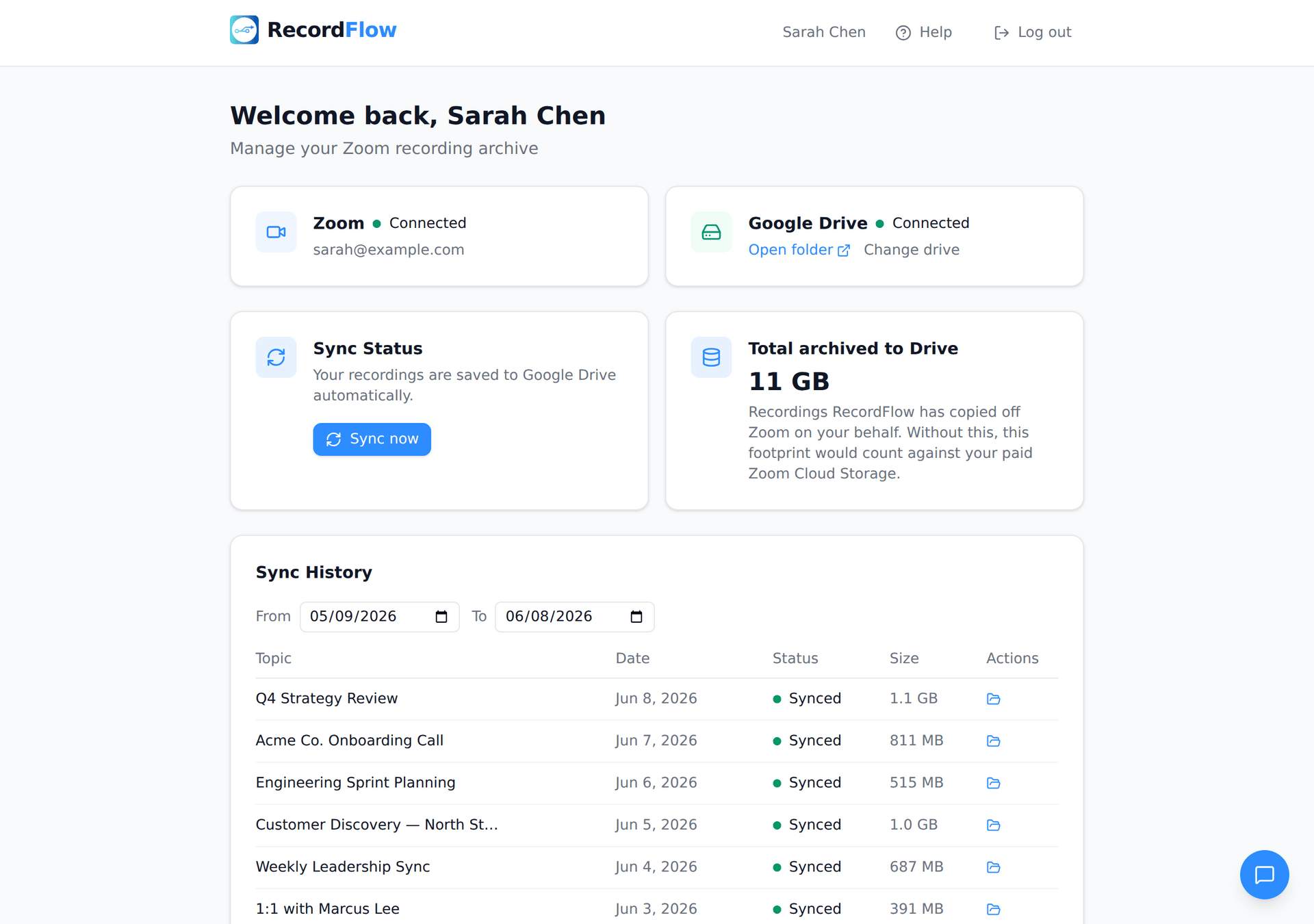
RecordFlow is a cloud-based automation platform designed to solve one of the most common frustrations faced by Zoom users: managing and backing up cloud recordings. The service automatically transfers Zoom cloud recordings directly to Google Drive as soon as meetings are completed, eliminating the need for manual downloads, uploads, organization, and cleanup. Built for coaches, consultants, educators, businesses, and IT administrators, RecordFlow provides a reliable and secure way to archive important recordings while reducing administrative overhead and protecting valuable content.
The platform addresses a significant limitation of Zoom’s cloud storage system. Many Zoom users quickly reach storage limits, especially organizations that record meetings, training sessions, coaching calls, webinars, or lectures on a regular basis. Once storage limits are reached, new recordings may be blocked, creating operational challenges and forcing users to spend time manually managing files. RecordFlow automates this entire process by continuously moving recordings from Zoom into Google Drive, ensuring that storage limitations do not interrupt business operations.
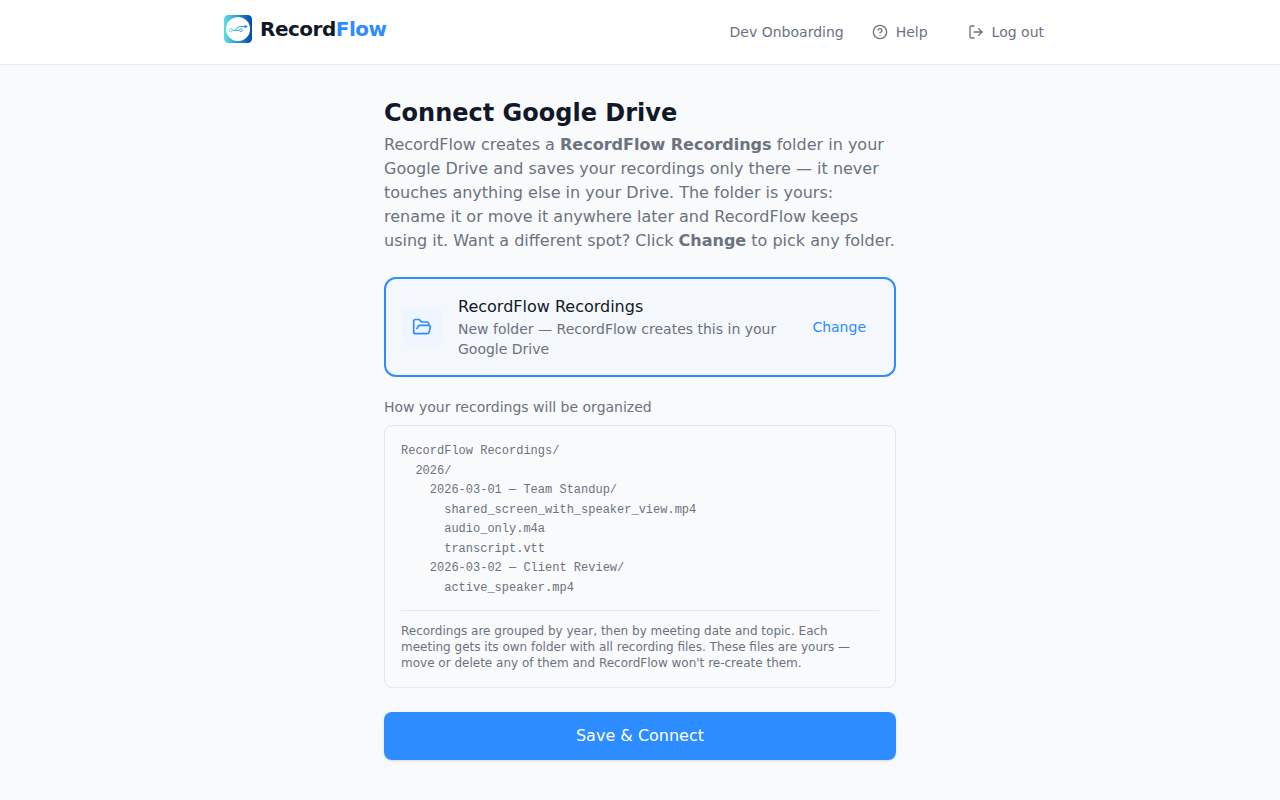
One of the platform’s biggest advantages is its simplicity. Users only need to connect their Zoom account, select a Google Drive destination, and allow the system to handle the rest automatically. Once configured, every new cloud recording is detected and transferred to the chosen Google Drive folder within minutes of the meeting ending. Users receive email notifications containing direct links to their archived recordings, making it easy to access, organize, and share content whenever needed.
RecordFlow supports both individual users and entire organizations. Individual professionals such as coaches, consultants, and online educators can automatically archive their own recordings without any ongoing effort. For larger teams, Zoom administrators can install the platform at the account level, choose a central Google Drive location, and manage recording backups for multiple team members. The system automatically creates separate folders for opted-in users, allowing organizations to maintain structure and control while simplifying file management across departments.
Reliability is a major focus of the platform’s design. RecordFlow incorporates automatic retries, chunked file transfers, and recurring safety checks to ensure recordings are transferred successfully even when dealing with large files or temporary connection issues. Features such as smart deduplication prevent duplicate uploads by identifying recordings that have already been archived. This ensures efficient storage usage while reducing clutter and confusion within Google Drive.
The platform supports every major file type generated by Zoom cloud recordings. Video recordings in MP4 format, audio files, transcripts, chat logs, and caption files are all automatically synchronized. This comprehensive approach ensures that organizations retain not only meeting recordings but also the supporting materials that provide additional context and value. Having transcripts and chat logs available alongside recordings is especially useful for training, documentation, compliance, and content repurposing purposes.
No reviews yet — be the first!
Discussion
Join the conversation
Sign in or create a free account to leave a comment.
Analytics
Unique visitor trends for RecordFlow
No comments yet. Be the first to share your thoughts!