
About Image Splitter Online
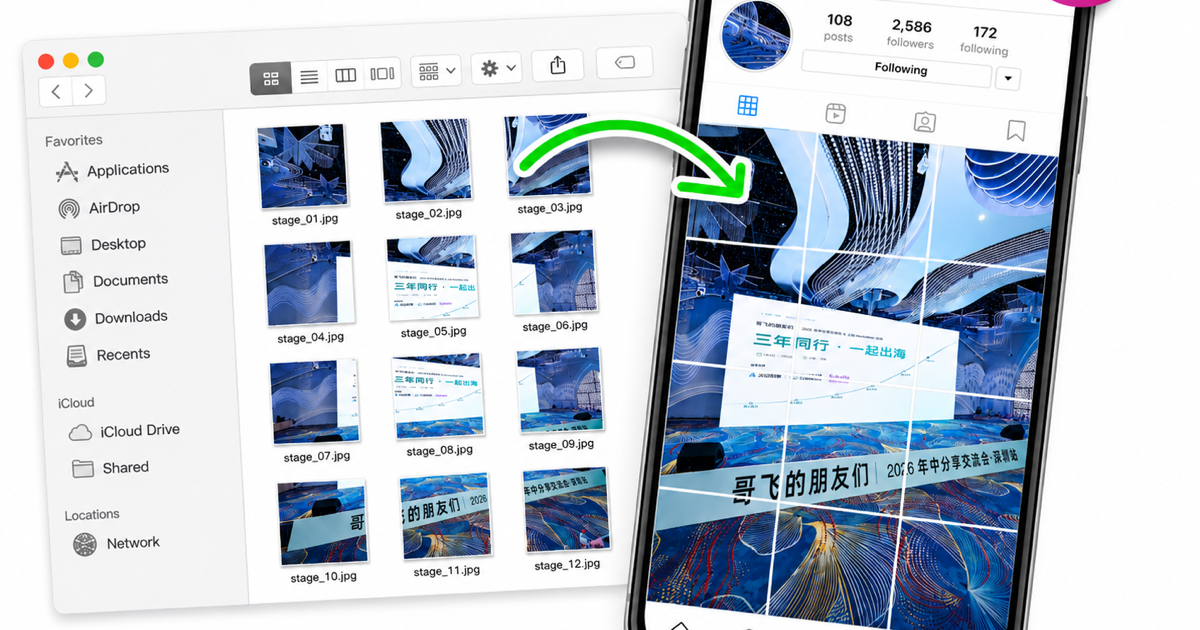
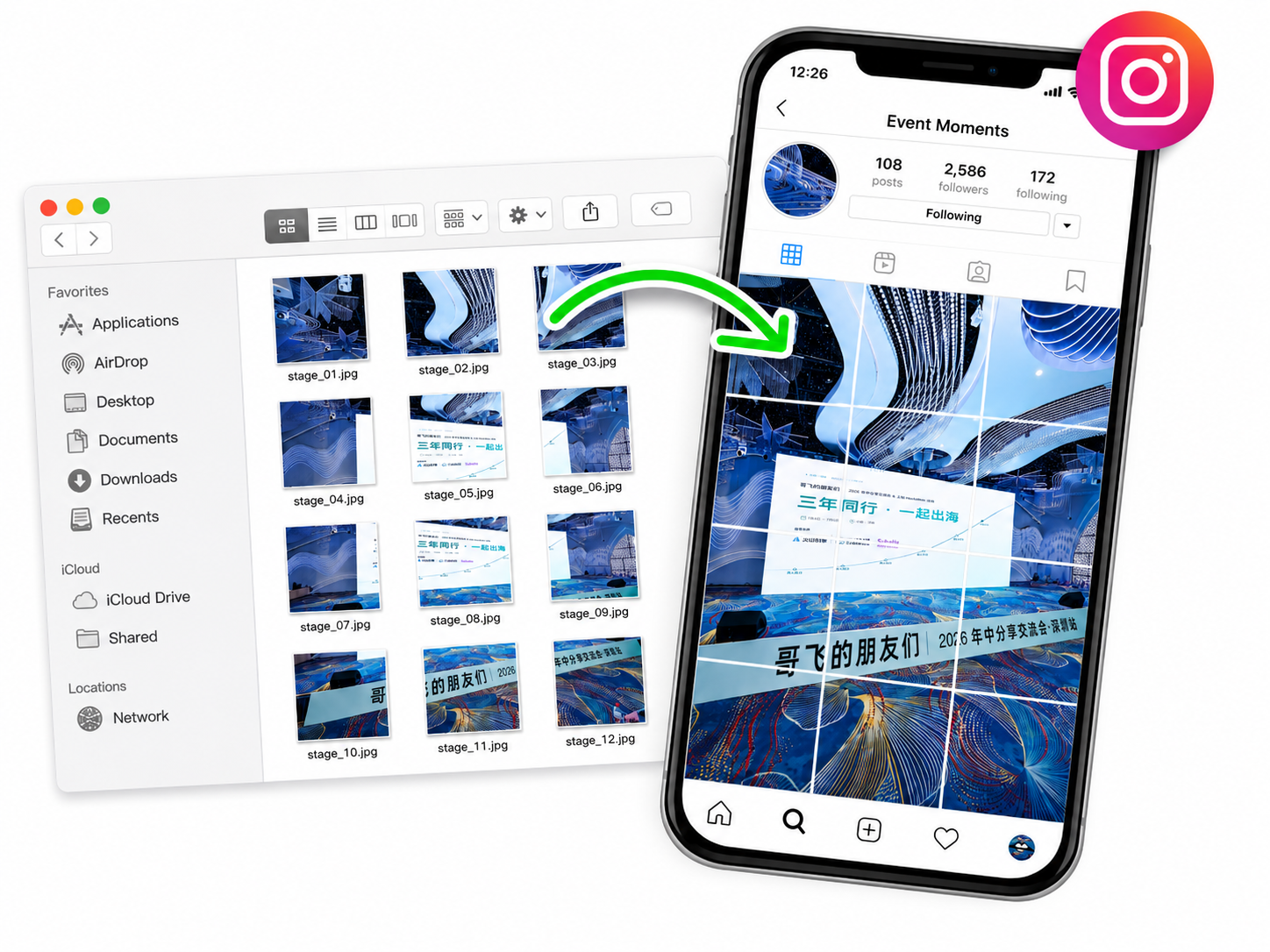
Image Splitter Online is a free browser-based utility for turning one image into clean, equal tiles. It is built for creators, designers, marketers, teachers, and anyone who needs a predictable grid without opening a heavy desktop editor. Users can drop, click, or paste an image, choose a preset such as 1x2, 1x3, 2x2, 3x3, or 4x4, or enter a custom layout from 1x1 up to 12x12. A live preview shows the cut lines before export, so it is easy to confirm the result before downloading files.
The tool supports common browser-readable formats including JPG, PNG, WebP, GIF, and AVIF. Generated tiles can be exported as PNG, JPG, or WebP, downloaded individually, or bundled into a ZIP file. It is useful for social profile grids, carousel source slices, website assets, design mockups, puzzles, classroom materials, product boards, and other multi-image layouts. The splitter preserves the source dimensions rather than resizing the image first, and it calculates each boundary consistently so every source pixel is included.
Privacy is a core part of the workflow. Images are decoded and processed locally in the browser with Canvas, not uploaded to a backend. That makes the tool suitable for client drafts, private photos, campaign concepts, and unreleased visuals. There is no watermark and no account is required for the core splitting workflow. The interface also explains practical details such as edge-tile sizing when dimensions do not divide evenly, export format choices, and how to post social grid tiles in the correct order. Image Splitter Online focuses on one job and makes it fast: choose an image, set the grid, preview the cuts, and download ready-to-use tiles.

No reviews yet — be the first!
Discussion
Join the conversation
Sign in or create a free account to leave a comment.
Analytics
Unique visitor trends for Image Splitter Online
No comments yet. Be the first to share your thoughts!