
About ScreenSnap Pro
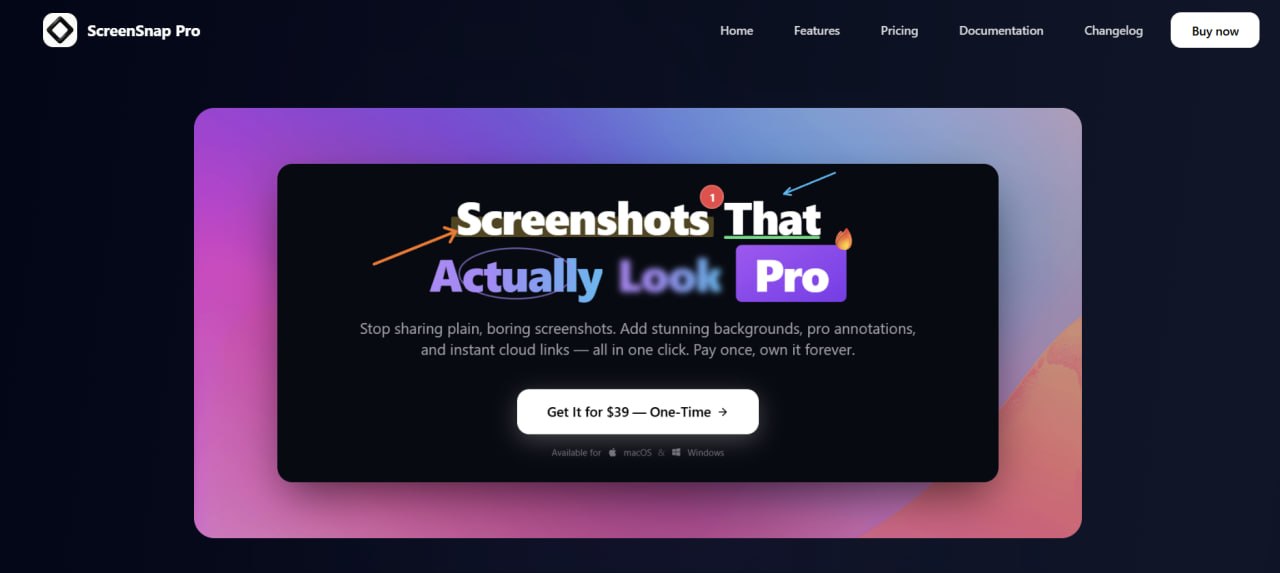
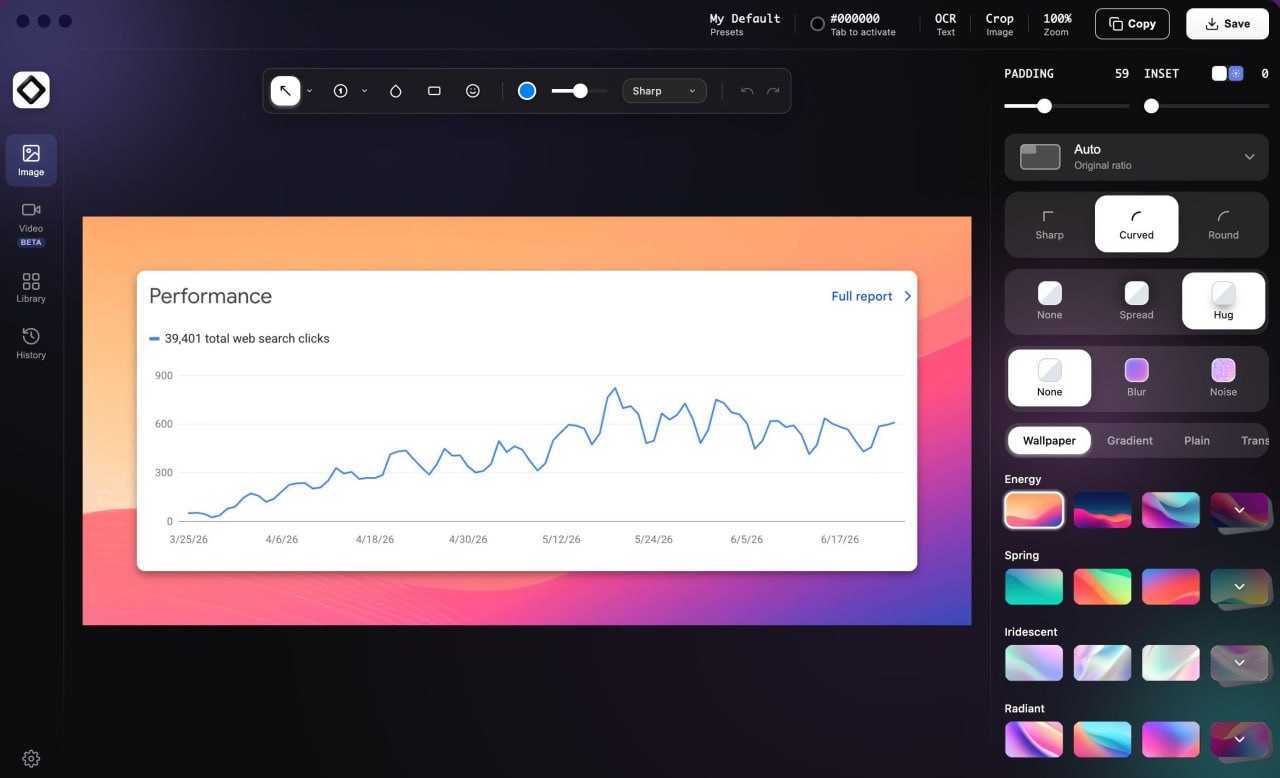
ScreenSnap Pro Pro is a professional screen capture and annotation platform designed for creators, developers, designers, marketers, educators, and business professionals who need beautiful screenshots and recordings without complicated editing software. With a single keyboard shortcut, users can instantly capture screenshots, record GIFs, or create full screen videos, then enhance them using more than 500 handcrafted gradient and wallpaper backgrounds. Built-in annotation tools—including arrows, text, blur, highlights, shapes, callouts, and drawing tools—make it easy to create polished tutorials, documentation, bug reports, presentations, and social media content. The integrated OCR engine extracts editable text directly from screenshots, helping users save time when working with visual information. Once finished, projects can be shared instantly using secure private cloud links or exported as images, GIFs, MP4 videos, or copied directly to the clipboard. ScreenSnap Pro runs natively on Windows and macOS, supporting both Intel and Apple Silicon devices, while delivering fast local performance without recurring subscription costs. Unlike many screenshot tools that require monthly payments, ScreenSnap Pro offers a simple one-time purchase with lifetime updates, making it an affordable solution for professionals who regularly create visual content and technical documentation.
5 Use Cases:
1. Create polished software documentation.
2. Produce annotated bug reports for development teams.
3. Build tutorials and educational content.
4. Share professional screenshots for marketing and social media.
5. Capture and share GIFs or videos for customer support and team
collaboration.
What Problem
Does It Solve?
Eliminates the need for multiple screenshot, editing, annotation, OCR, and
sharing tools by providing everything in one fast desktop application. It
helps users create professional-looking visuals quickly without expensive
design software or recurring subscriptions.
No reviews yet — be the first!
Discussion
Join the conversation
Sign in or create a free account to leave a comment.
Analytics
Unique visitor trends for ScreenSnap Pro
No comments yet. Be the first to share your thoughts!